
🔍 Read the full analysis: Which AI Tasks Fit A Mac Mini, Mac Studio, GPU PC Or Cloud? on ThorstenMeyerAI.com

Get hardware and tech essentials delivered free with Prime
- Fast, free delivery on millions of items
- Prime Video, Amazon Music and more included
- Member-only deals all year
TL;DR
A November 19 comparison of Apple and Nvidia specifications and AI-tool documentation maps different workloads to Mac minis, Mac Studios, GPU PCs and cloud services. Always-on agents that call cloud models can run on modest hardware; local model size depends heavily on available memory, while Nvidia PCs have broader CUDA support and cloud services provide access to leading closed models.
ThorstenMeyerAI.com published a comparison on November 19 of which AI workloads fit a Mac mini, Mac Studio, Nvidia GPU PC or cloud service, using published specifications and software documentation. Its central finding is that the right machine depends on the task: an always-on agent calling a cloud model may need little local computing power, while running large models locally depends on memory and software compatibility.
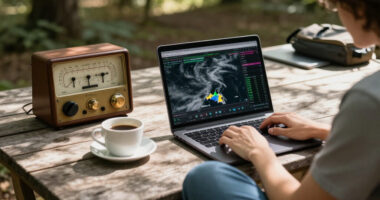
The report separates running an agent from running its AI model. An agent that sends requests to a cloud service mainly needs a computer to keep its workflow, files and tools active. The article cites Apple’s listed 4-watt idle draw for the base Mac mini as a relevant specification for an always-on setup, but that figure is idle power, not a measurement of the machine’s consumption while doing work.
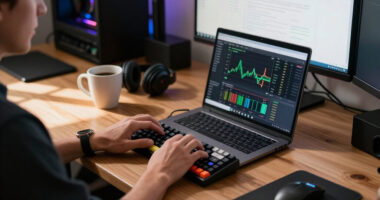
For local models, the report says memory capacity is a primary constraint, as explained in the AI advantages of a 512GB Mac Studio. Apple lists Mac minis with up to 64 GB of unified memory. Mac Studio configurations reach 128 GB with M5 Max or 512 GB with M5 Ultra, while Nvidia’s GeForce RTX 5090 has 32 GB of graphics memory. As a rough calculation, the article estimates that four-bit model weights take about half a gigabyte per billion parameters, before space for overhead and conversation context. On that basis, a 70-billion-parameter model would need roughly 35 GB for weights alone.
The report also compares software support and power requirements, topics explored in this Mac versus GPU tower comparison. It says common local tools including MLX, LM Studio, Ollama and llama.cpp support Apple silicon, while Nvidia’s CUDA ecosystem has broader support across many AI tools. It cites vLLM’s precompiled CUDA binaries and says the Apple silicon route uses a community-maintained plugin. For power, the article lists up to 385 watts for the M5 Ultra Mac Studio as a whole system, compared with a 575-watt rating for the RTX 5090 card alone; Nvidia recommends a 1,000-watt power supply for a system using that card.
Decision guide · local AI hardware
Which machine fits which AI job?
Five common jobs, one after another, with the machine that fits each best on today’s specifications.
First question: does the model run in the cloud, or on your own machine? If it runs in the cloud, the box only keeps the agent going.
The job
- 1An agent that calls cloud models, running around the clock
→ Mac mini - 2A private assistant with a small open model
→ Mac mini - 3Huge open models with hundreds of billions of parameters
→ Mac Studio - 4Tools built for Nvidia’s CUDA, training, serving many users
→ GPU PC - 5The strongest models and the hardest tasks
→ Cloud API
The machine
Mac mini
up to 64 GB · 4 W at idle
Mac Studio
up to 512 GB · 385 W at most
GPU PC
32 GB on the card · 575 W card
Cloud API
strongest models · per-token bills
Sources: Apple, Mac mini and Mac Studio technical specifications and power pages; Nvidia, GeForce RTX 5090 specifications; all retrieved November 19, 2026. Matching of jobs to machines: our reading, not a buying recommendation.
Graphic: Powered by Thorsten Meyer AI
Choosing Hardware by AI Workload
The comparison matters because “running AI” can mean several different jobs: keeping an agent available, generating responses from a local model, adapting a model, or serving requests to multiple users. Those jobs have different hardware needs. Buying for the most demanding scenario may add cost and power use that an agent relying on a hosted model does not require.
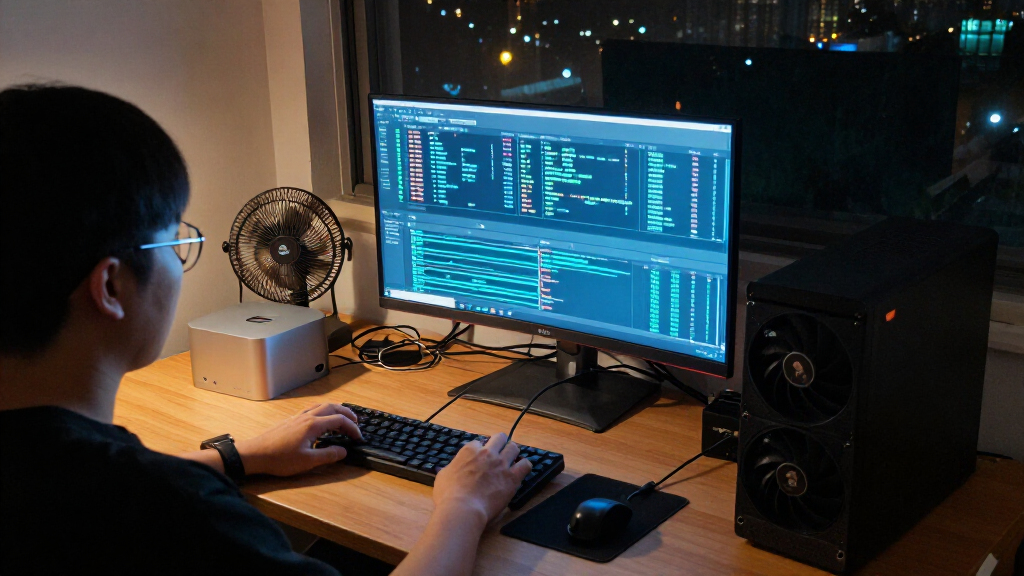
For local use, a Mac Studio’s larger unified-memory configurations may accommodate models that do not fit entirely in a 32 GB graphics card. A GPU PC may suit workloads built around Nvidia CUDA, which the report says many tools support first. Neither specification alone establishes which machine will be faster for a particular model: the source notes that Apple and Nvidia do not publish a direct token-speed comparison between the cited systems.
Cloud access is a separate choice, not simply another desktop configuration. The report says leading closed models cannot be downloaded, leaving cloud services as the route to those systems. That can avoid local hardware limits, but the article does not compare service prices, data policies, availability or performance.
Products Worth Considering

Ledger Nano X Bluetooth Crypto Hardware Wallet

LG 27GR83Q-B 27-inch Ultragear QHD IPS Gaming Monitor

Ledger Flex Crypto Wallet – Neptune Blue
As an affiliate, we earn on qualifying purchases.
Memory, Software and Power Limits
The report follows an earlier ThorstenMeyerAI.com article about what Mac mini configurations with 16 to 64 GB of memory can run. Its new comparison broadens the question to include larger Apple desktops, Nvidia-based PCs and cloud models. The author says specifications came from Apple and Nvidia pages and tool documentation, checked on November 19, 2026.
Memory figures are not directly interchangeable. Apple silicon uses unified memory that the CPU and GPU can access, according to Apple’s MLX documentation. The RTX 5090 has dedicated graphics memory; the report cites Ollama documentation showing that a model can be split between GPU memory and system memory when it does not fit on the card. That arrangement can allow a model to load, but does not by itself show how quickly it will run.
Apple’s tools support some fine-tuning workflows: the article cites MLX documentation for LoRA and QLoRA and PyTorch’s macOS backend for GPU training. It also notes limits, including the Mac backend’s lack of support for double-precision floating-point operations on the GPU. The article cautions that large-model training is not a desktop task on any of the compared machines.
“The CPU and GPU have direct access to the same memory pool.”
— ThorstenMeyerAI.com report, citing Apple’s MLX documentation
What the Specifications Cannot Settle
The article is a comparison of published specifications and documentation, not a controlled performance test. It does not provide matched benchmarks for generation speed, fine-tuning time, model quality, energy use under a consistent workload or overall system cost. Its memory rule is an estimate for model weights and excludes overhead and context, so it should not be treated as a complete memory requirement.
Actual results will depend on the model, quantization, software version, settings and workload. The report gives no price for a complete GPU PC, and Nvidia’s product page cited in the article does not list a price for the RTX 5090. It also does not compare cloud fees, privacy terms or service limits. The source’s figures and product configurations are tied to its November 19, 2026 check date and may change.
Test the Intended Workload
The report’s practical next step is to identify whether the intended setup will call a hosted model or run one locally, then check whether the model and its working context fit available memory. Readers considering a GPU PC also need to verify that their preferred serving or training tools support the hardware they choose; Mac users should check whether any CUDA-oriented software has an Apple silicon alternative or plugin.
Before committing to a system, a workload-specific test remains necessary. The article does not announce a benchmark or product change, and it gives no date for follow-up testing. Its comparison should be read as a guide to specifications and documented compatibility, not as a measured ranking of machines.
Key Questions
Does an always-on AI agent need a powerful local computer?
Not necessarily. If the agent calls a cloud model, its computer mainly runs the agent loop, files and tools. The report says that role can differ substantially from running a large model locally.
How much memory does a local model need?
It depends on model size, precision and context. The report’s rough estimate is about 0.5 GB per billion parameters for four-bit weights alone, before overhead and conversation context; actual needs can be higher.
Is a Mac Studio or an Nvidia GPU PC better for local AI?
The source identifies different strengths rather than a universal winner. Mac Studio configurations offer more unified memory, while Nvidia PCs have broader CUDA software support. The report provides no controlled speed comparison, so the better fit depends on the model and tools.
Can a Mac run AI model training?
Some fine-tuning and GPU-training workflows are supported: the report cites Apple MLX support for LoRA and QLoRA and a PyTorch backend for macOS. It also describes software limitations and says large-model training is not a desktop task on the machines compared.
When is cloud AI the relevant option?
The report says cloud services remain the route to leading closed models that cannot be downloaded. It does not compare cloud pricing, privacy policies or performance, so those details need to be checked with the service provider.
Source: ThorstenMeyerAI.com